Browse, install, and keep apps updated on Android TV, Fire TV, and Google TV — no Play Store account gymnastics, no waiting on a phone to cast something across. Just a remote-friendly store built for the couch.
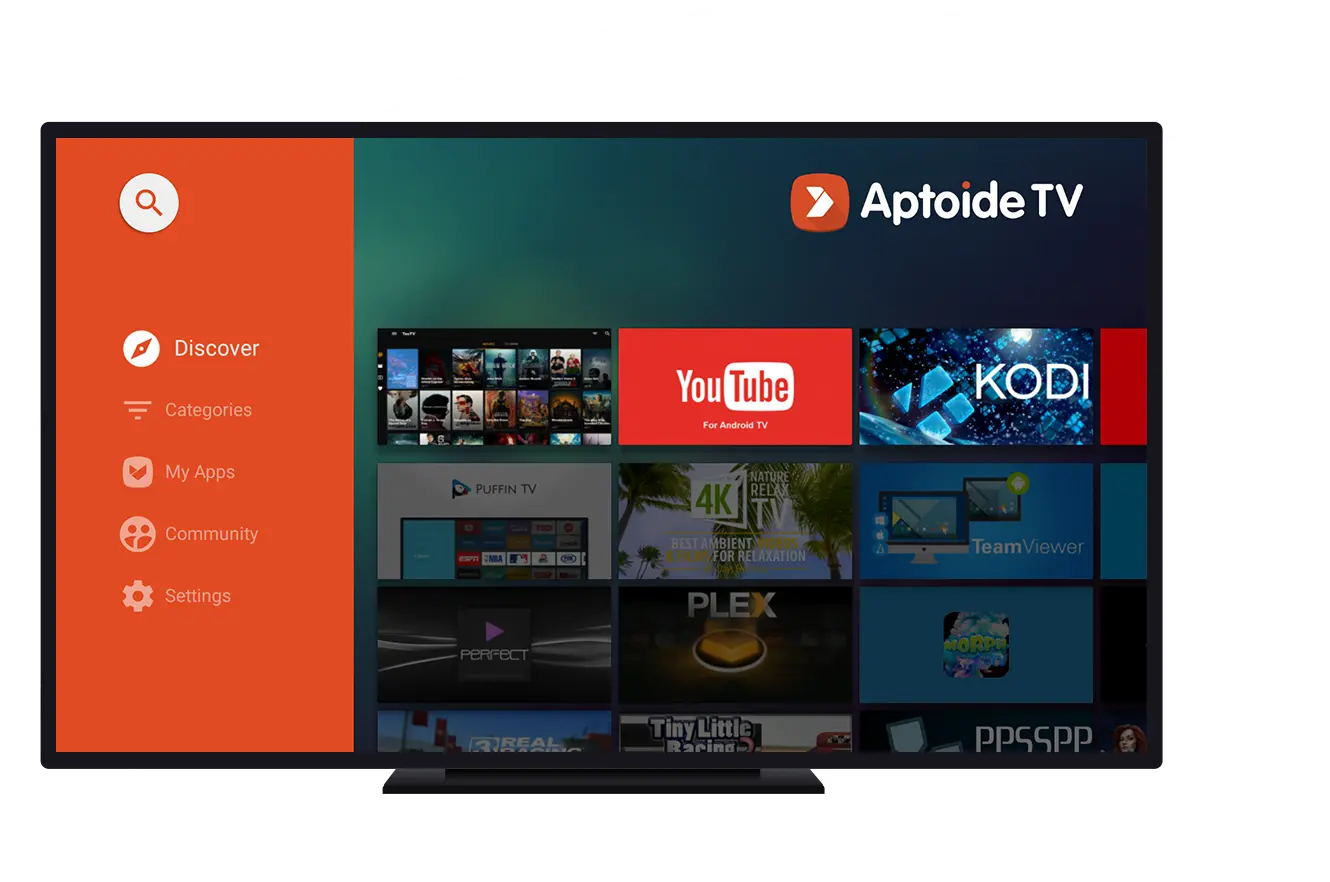
Aptoide TV is a version of the long-running Aptoide app store built specifically for television. Instead of shrinking a phone app down and hoping for the best, it's laid out for a ten-foot interface from the start: a left-hand navigation rail, large tap targets, and cover art you can actually read from the sofa.
Every part of the interface is designed around a remote control, not a touchscreen.
A homepage that surfaces editors' picks and trending titles instead of an empty search bar.
Sidebar navigation and card grids sized for a living-room screen, not a cropped phone UI.
Installs cleanly on Fire Stick and Fire Cube hardware through the Downloader app.
Runs as a standard sideloaded app — your warranty and system stay untouched.
Keeps tabs on every app you've installed through it and flags new versions.
Star ratings and comments from other users, not just a download counter.
Skip typing long URLs on a remote — punch in a short numeric code instead.
Games, media players, utilities, and community picks organized into clear sections.
Real screens from the app — no mockups, no staged renders.
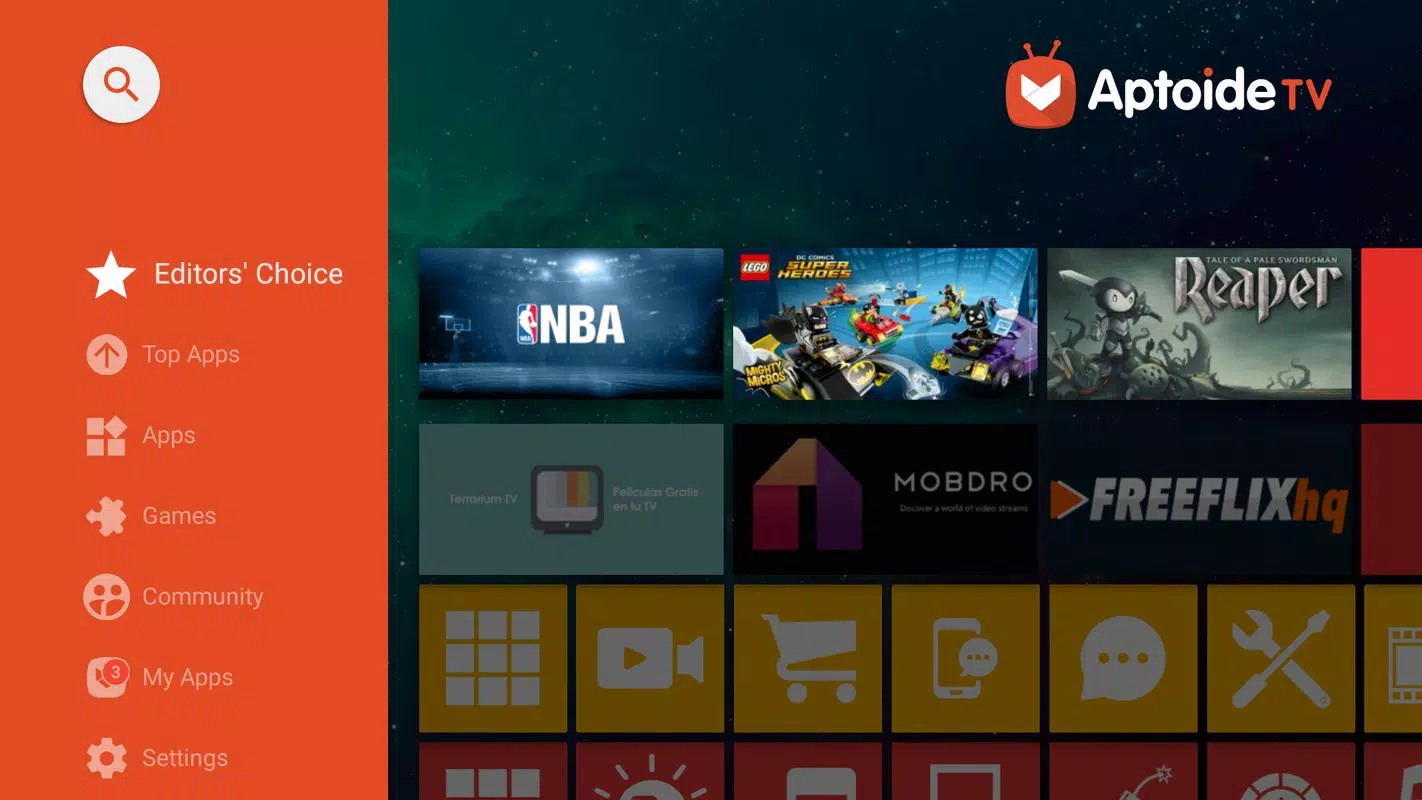
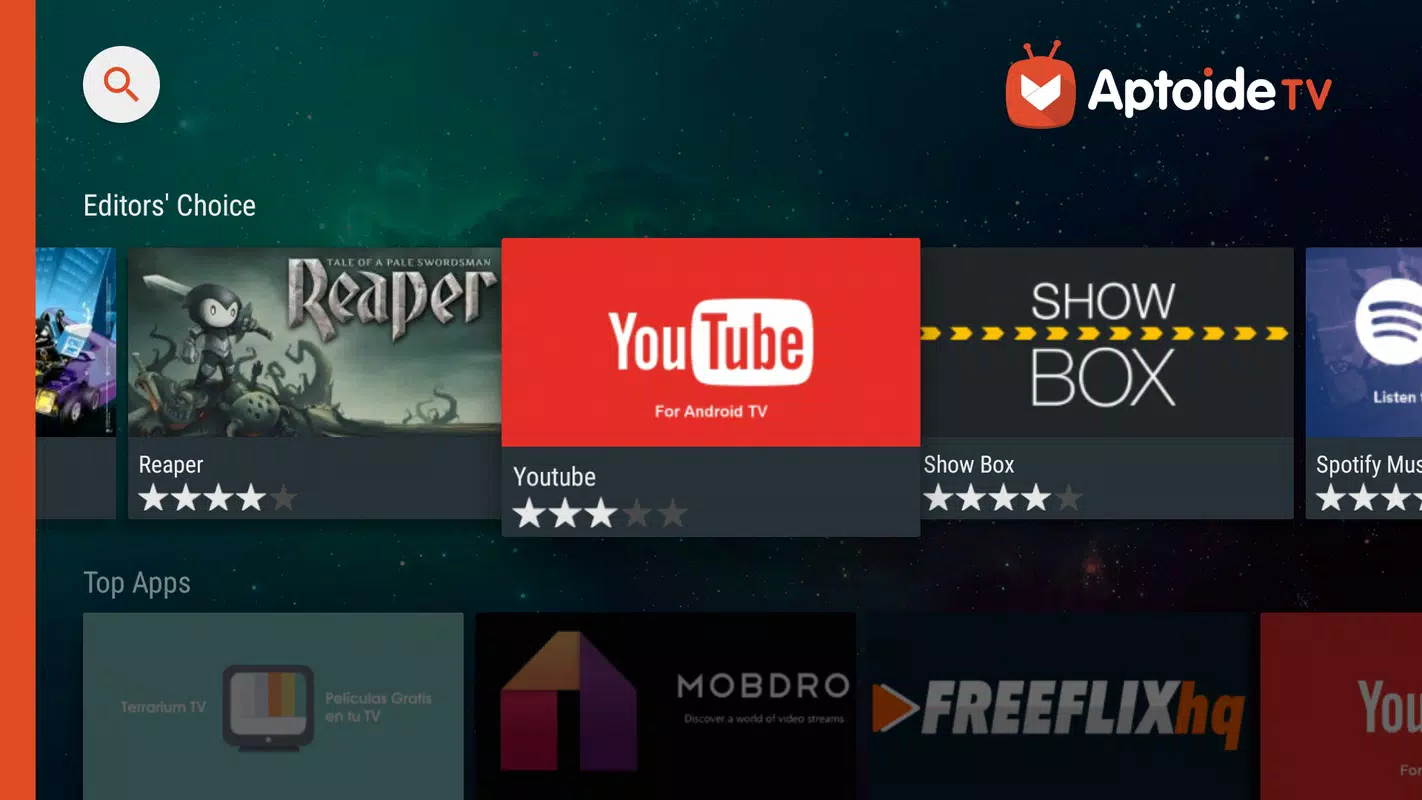
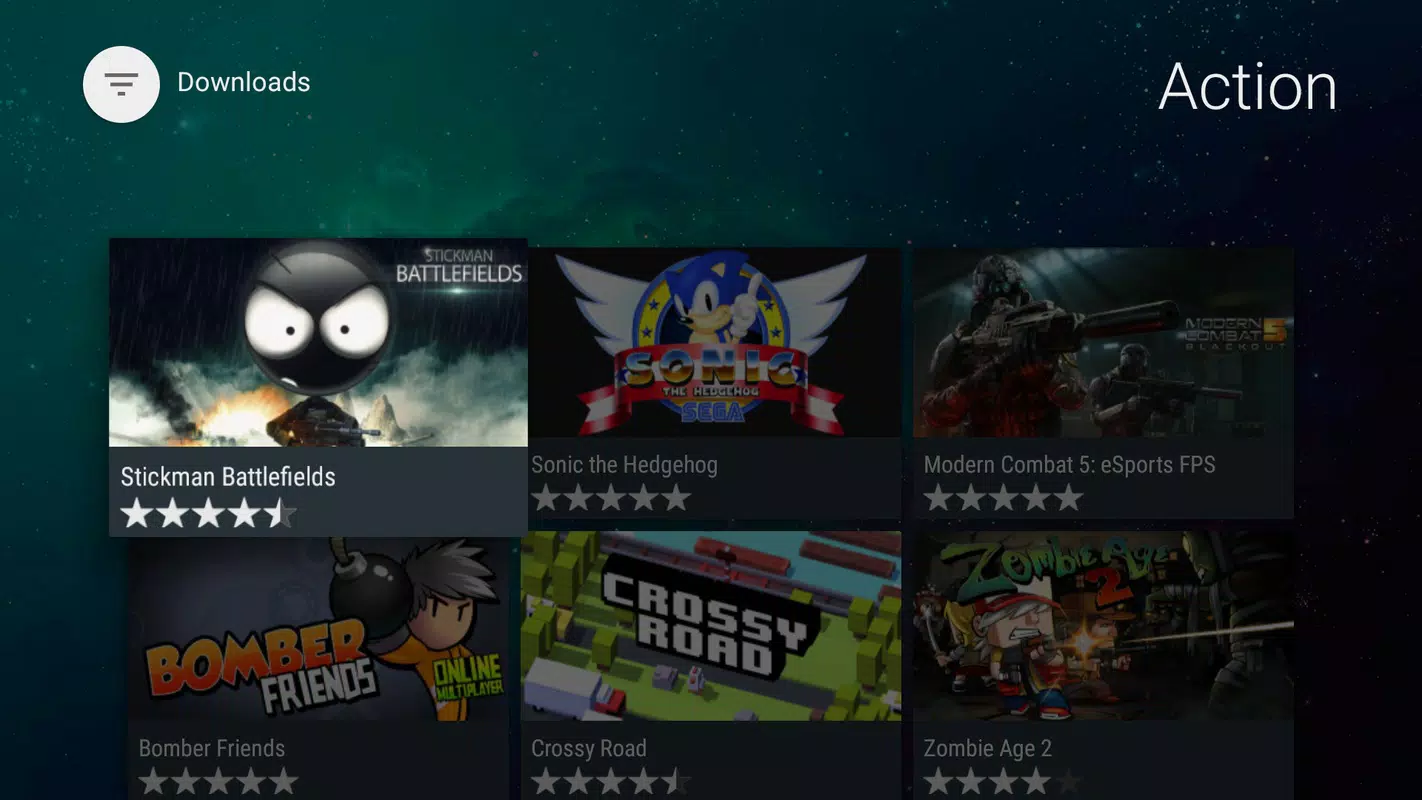
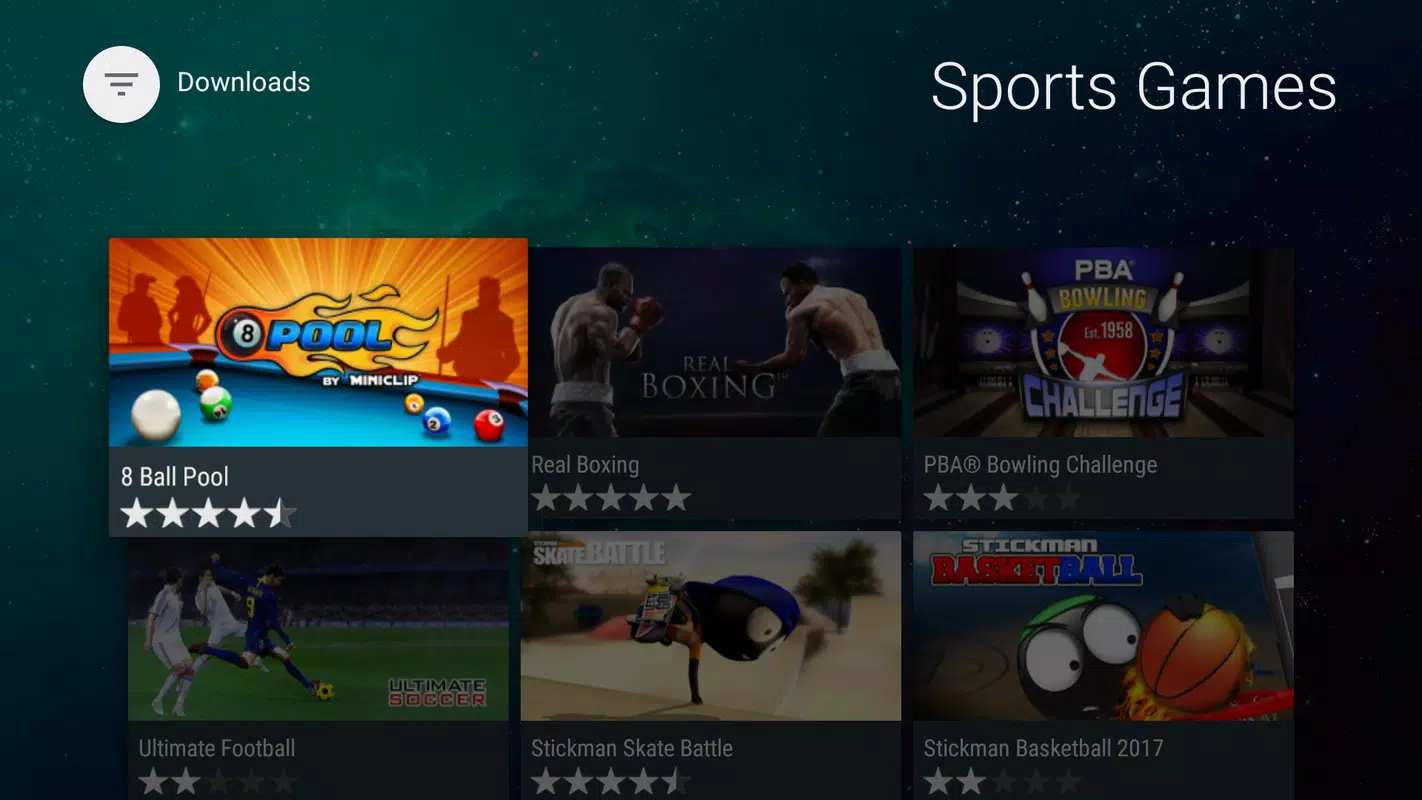
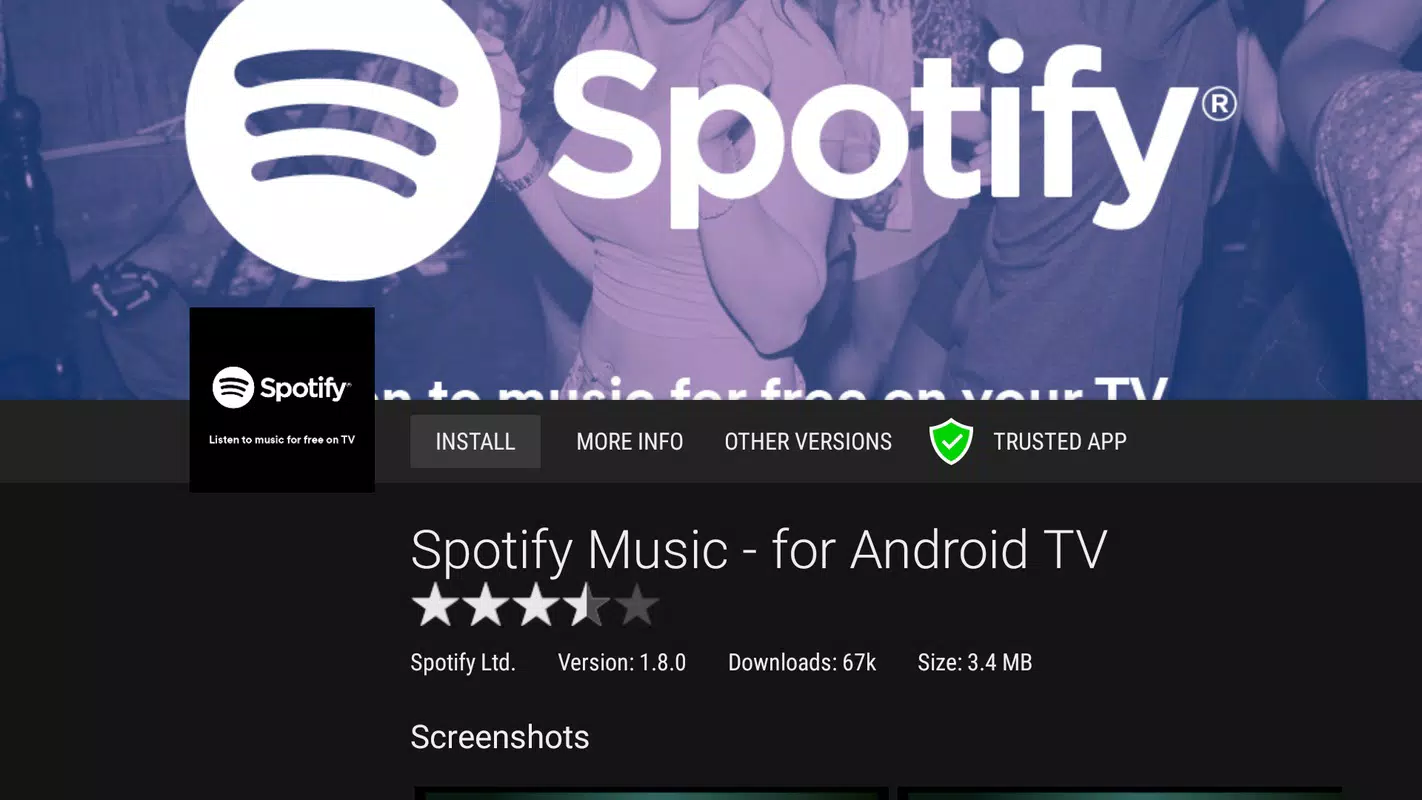
The sidebar keeps everything one click away, whether you're browsing or managing what's already installed.
The direct APK file, hosted on Aptoide's own servers. Works on Android TV boxes, Fire TV, and Google TV.
Download APKOpen the Downloader app on your TV, enter the code below, and it installs directly — no file transfer needed.
Get the codeA backup mirror in case the primary server is slow or blocked on your network.
Download Mirror
If your TV box already has the Downloader app, this is the quickest path — type a six-digit code instead of hunting for a file manager.
Install it from the Play Store or Amazon Appstore if you don't already have it.
Type it into the address bar on the Downloader home screen.
The Aptoide TV APK starts downloading automatically.
Confirm the install prompt, then launch Aptoide TV from your app list.
Each platform handles sideloading a little differently. Pick yours below, or read the full install guide.
Settings → My Fire TV → Developer Options → Apps from Unknown Sources.
Search for "Downloader" in the Amazon Appstore and install it.
Open Downloader, type the code, and tap Go.
Confirm the prompt and launch it from your apps row.
Settings → Apps → Special app access → Install unknown apps.
Pick Downloader (or your file manager) as the trusted source.
Download the APK straight to your box.
Confirm and open it from your launcher.
Google TV needs the source app installed before it'll grant permission.
You'll get a per-app prompt the first time Downloader tries to install something.
Same code, same process as other Android TV devices.
Confirm and find it under your apps.
Layout and navigation designed around a remote from day one.
A catalog that goes well beyond what Google Play lists for TV.
Installs as a normal app alongside everything else on your box.
Tracks your installed apps and flags newer versions automatically.
One catalog across Android TV, Fire TV, and Google TV hardware.
Install without a keyboard, USB drive, or file manager.
Ratings and comments from people who've actually installed the app.
A small APK that doesn't sit heavy on modest TV-box hardware.
Please wait a moment while we prepare your file.